Vibecoding Eye-Catching Landing Pages on Legacy Tools

Vibecoding Eye-Catching Landing Pages on Legacy Tools

Last Updated: January 18, 2026

Preview
Main Build Preview
Animation
Landing Pages
Webflow
AI Tools
Branding
Portfolio
Vibecode
Motion Design
Time Commitment
Recommendation
Workflow
Prelude — What Is the Challenge?

Building eye-catching landing pages when your portfolio already lives on a legacy tool (e.g. Webflow).

? How do I make my site actually look good?
? How do I get started without overthinking?
? How do I turn inspiration into something real and shippable?
Prelude
✦ Section 1 — Curate Inspiration (Branding First)
0/5 Jan 12
Mindset: Treat this as a branding exercise, not a page build.
Collect landing page inspiration (layouts, motion, tone)
Identify repeated visual patterns (spacing, rhythm, contrast)
Decide on an overall vibe (editorial, minimal, playful, cinematic)
Save inspiration in one place (Mobbin / folder / board)
Add at least 1 reference image asset for this section
Curate Inspiration
✦ Section 2 — Motion as an Asset
0/7 Jan 14
Mindset: Animation is a reusable asset, not decoration.
Identify 1–2 animations worth recreating
Study how motion supports hierarchy (not distraction)
Decide where motion earns its place (hero, cards, transitions)
Capture or recreate animation reference
Upload motion collected as screen recording (e.g. QuickTime), keep them short 3-5s for best results
You may need to compress your upload
Add an image or video asset to this section
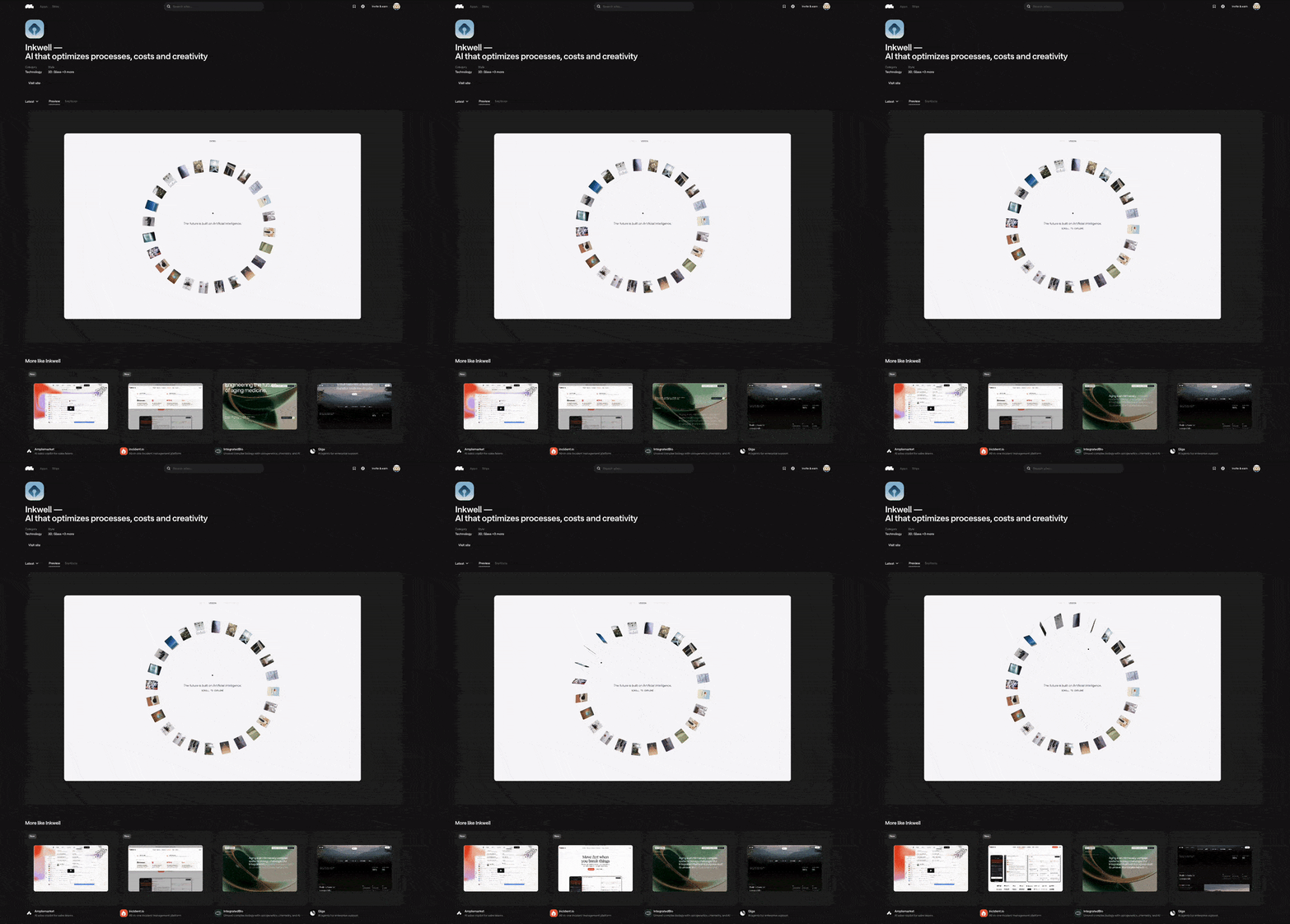
Card animation inspiration from Inkwell (via Mobbin)
Sample Prompt
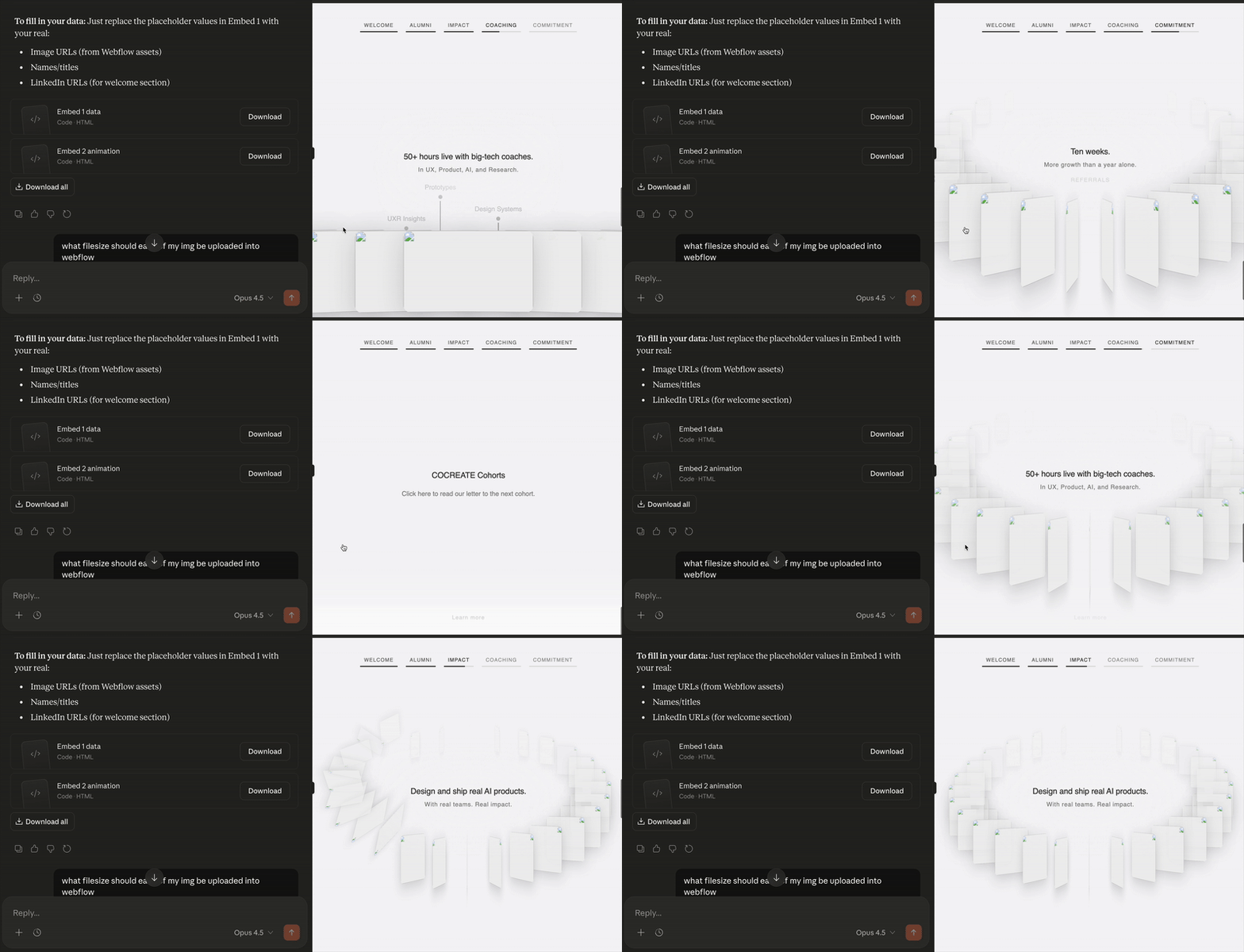
Breakdown the scroll animation frame by frame to create a 1:1 duplicate
Sample Prompt
Help me clone this one pager website animation so I can upload into Webflow as Recommended Approach: Single HTML Embed
Motion Asset
✦ Section 3 — Build and Experiment Core Layout and Interaction
0/4 Jan 14
Mindset: Tools should remove friction, not add novelty.
Use placeholder content
Decide asset management, a place to upload all your files
Lock tools for this project (avoid switching mid-way)
Quickly build out the skeleton and fine tune it to perfection, meaning outside of the content organization, everything should be finalized
Pick Your Tools
✦ Section 4 — Organize & Manage Assets (The Real Work)
0/6 Jan 16
Mindset: This is where most of the effort goes.
Create a single source of truth for assets
Group assets by style, not just by type
Delete anything that doesn't fit the direction
Maintain consistency (color, motion, typography)
Re-filter assets regularly to avoid drift
Add a representative asset for this section
Organize Assets
✦ Section 5 — Develop & Deploy
0/5 Ongoing
Mindset: Ship where you already have leverage.
Decide: embed into existing site or deploy fresh
If legacy stack exists, reuse it intentionally
If deploying new, pick a fast deploy path (e.g. Vercel)
Ensure animations and assets load cleanly
Final QA pass (spacing, motion, responsiveness)
Develop and Deploy
Tool Usage Reference
Mobbin
0/2
Primary source for site & UI inspiration
Used for fast exploration
20% off discount code available (Design Buddies)
Mobbin
Claude (Max Plan)
0/2 ~$100/mo
Heavy usage for ideation, copy, structure
Expensive but necessary for this workflow
Gemini is a free alternative I recommend to my students at CMU
Claude Max
ChatGPT
0/2 ~$20/mo
Generate image assets
Filter ideas and refine directions
ChatGPT
Figma
0/2
Slides for storytelling
Quick mocks and idea sharing
Premiere Pro
0/1
Video editing and motion assembly
Webflow
0/2
Used due to legacy constraints
Not recommended for technical flexibility
Credits & Shout-Outs
Inspiration
0/2
Card animation inspiration: Inkwell (via Mobbin)
Mobbin discount via Design Buddies
Inspiration
Video Editing
0/1
Bill — Video editing support
Video Editing
Creative Direction & Mentorship
0/1
Leon Zhang — Main creative direction and mentorship
Curated and structured this bullet journal
Apply to Cohort 22